IT Security
What Happens in a Mobile App Security Audit?
You have built an app and people are starting to use it. A security audit tells you, before anyone else finds out, whether their data is as safe as you think. Here is what to expect.
 yin Solutions
Published
Updated
3 min read
yin Solutions
Published
Updated
3 min read
What is an app security audit?
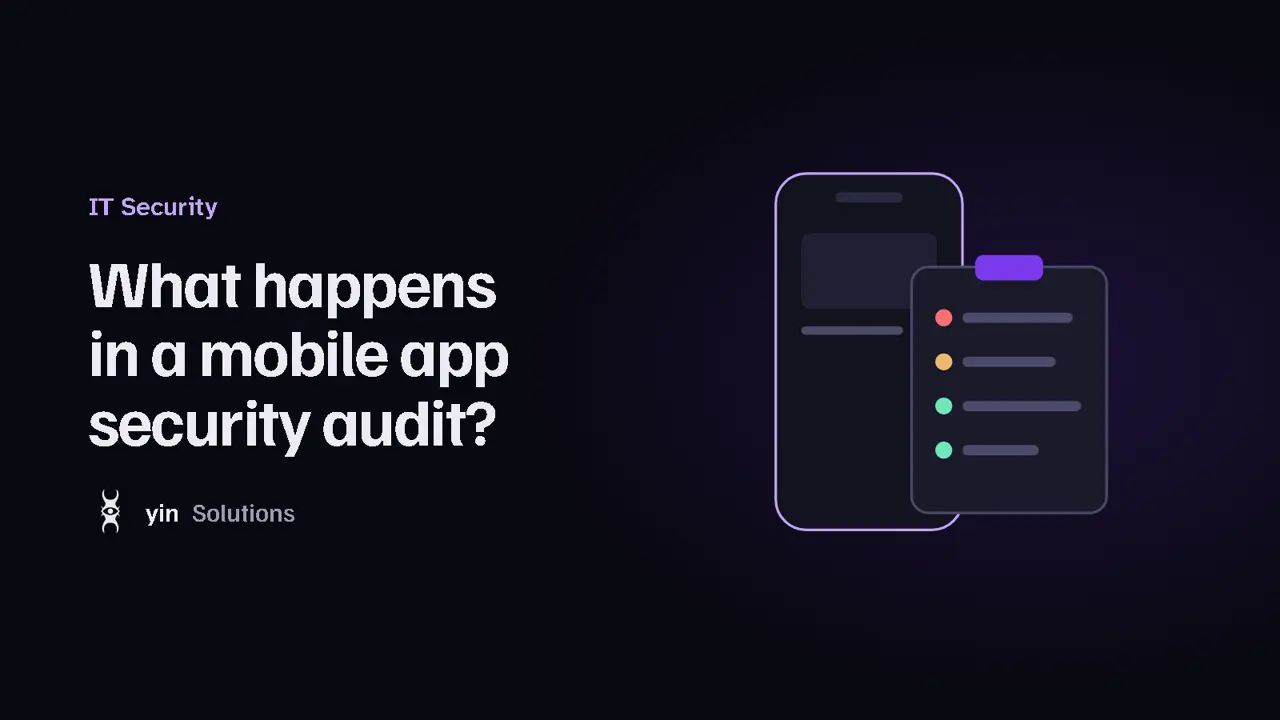
An app security audit is an independent, authorized review of your iOS or Android app and the services behind it. Specialists look for weaknesses that could expose user data, let someone misuse your service, or get your app removed from the store, and then explain how to fix them.
Who needs one?
- Apps that handle accounts, payments, health data or personal information.
- Startups preparing for investment or a business customer who asks for proof of security.
- Companies that hired an outside developer and want an independent check of the result.
- Any app about to launch or ship a major update.
What gets checked
Good audits follow a recognized standard such as the OWASP Mobile Application Security project, so nothing important is skipped. Typical areas include:
Data on the device
Is sensitive information stored safely, or left in plain text, logs or backups?
Data in transit
Is everything sent over secure, correctly configured connections?
Login & sessions
Are accounts, passwords and sessions handled safely on the app and the server?
Secrets in the code
Are API keys or passwords accidentally shipped inside the app?
Third-party SDKs
What do analytics and advertising libraries collect, and is that disclosed?
Privacy & store rules
Does the app match its privacy labels and App Store or Google Play requirements?
How the process works
- Scoping call: what the app does, which platforms and features are in scope, and your deadline.
- Written authorization: you confirm you own the app and agree the scope and testing window.
- Test setup: you provide test builds and test accounts, so real users and data are never affected.
- Review: specialists combine automated tools with manual analysis of the app and its API.
- Report: every finding is explained with its risk level and a concrete fix.
- Retest: after your team fixes the issues, the fixes are checked and confirmed.
What the report looks like
A useful report is written for two audiences. The summary tells owners and managers, in plain language, how safe the app is and what to prioritize. The detailed section gives developers each issue, where it is, why it matters and how to fix it, ranked from critical to low.
Good to know
Findings are normal - almost every first audit finds something. What matters is fixing the important ones before they become a problem.
How to prepare
- Decide which features matter most (for example login, payments, messaging).
- Prepare test builds for iOS and/or Android and two or more test accounts.
- Share any API documentation and a contact person for questions.
- Plan a little developer time after the report to make the fixes.
Curious about the broader picture? Read our website security checklist or what reverse engineering is.
Frequently Asked Questions
How long does an app security audit take?
Will the audit affect my live app or users?
Do I need both iOS and Android audited?
What does an audit cost?
Key takeaways
- An audit is an authorized, independent review of your app and its backend.
- It checks data storage, connections, logins, hidden secrets, SDKs and privacy rules.
- Testing happens on test builds and accounts, never on real users.
- You get a plain-language summary, a prioritized list of fixes and a retest.